GPT-5 Upgrade Guide: Which ChatGPT Plan Should You Choose?
From 5.0 to 5.4 in 8 months — here's how to navigate OpenAI's increasingly complex model lineup without losing your mind.

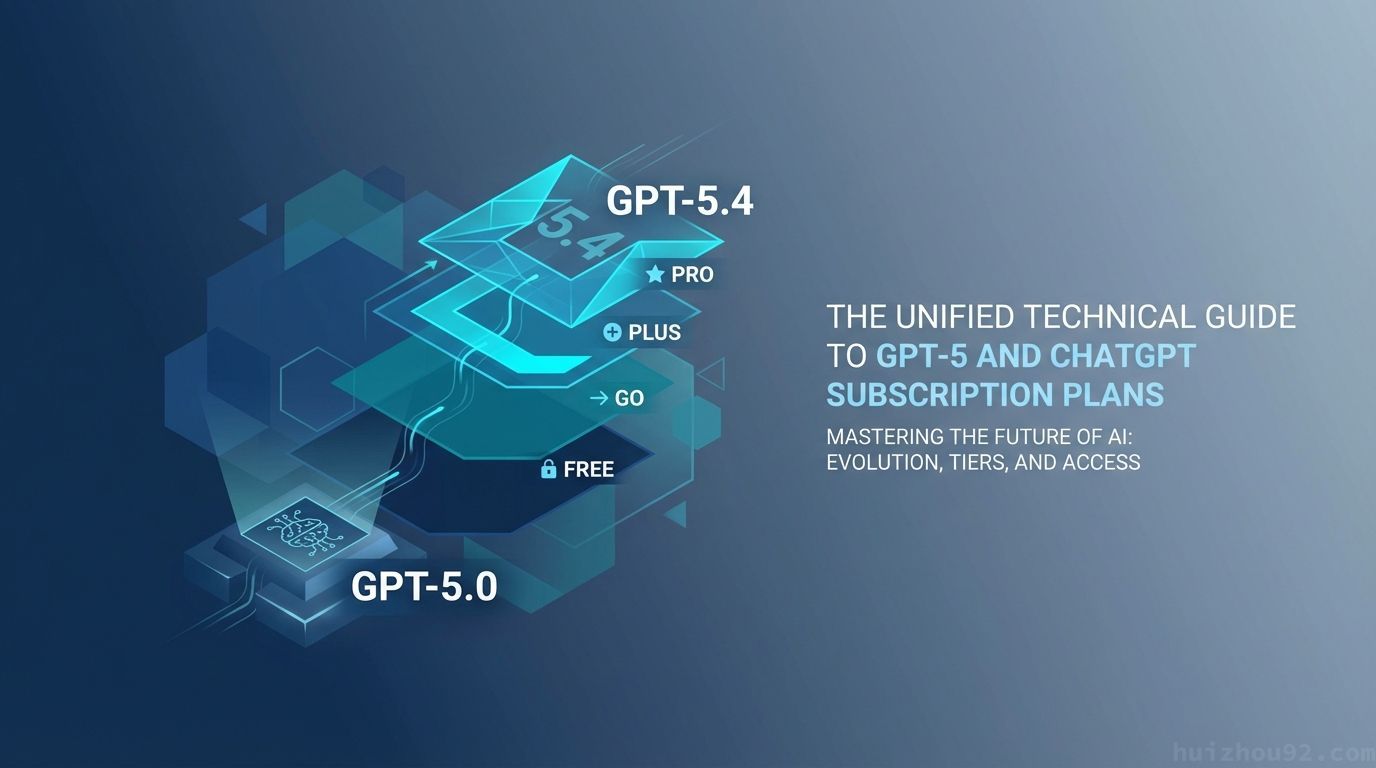
The Problem with GPT-5
OpenAI dropped GPT-5 in August 2025. Eight months later, we're at version 5.4. The model family has exploded from a simple two-tier system to a four-tier pricing structure with more variants than most people can keep track of.
If you're not following AI news daily, figuring out which model to use — let alone which subscription tier — is genuinely confusing.
This guide won't bombard you with benchmark scores. Instead, I'll tell you exactly what to do based on your actual work scenarios and budget.
TL;DR
- Auto mode handles 80% of use cases — you don't need to manually select models
- Plus is the sweet spot for most professionals; Go works for lighter users
- Coding and long-document analysis got significantly better, but casual writing and conversational tone actually degraded
- Agent Mode can handle research and organization tasks, but precision operations aren't quite there yet
- If responses feel boring, it's not you — use prompt techniques to fix it
Understanding GPT-5 Models: What Each Version Actually Does
Let's be honest: OpenAI has the most confusing model naming scheme in the industry. GPT-5.2 Instant, GPT-5.3 Instant, GPT-5.4 Thinking, GPT-5.2-Codex — the names alone are enough to give anyone a headache.
Forget the technical jargon. You only need to know three models:
| Model | Plain English | Best For |
|---|---|---|
| GPT-5.3 Instant | Fast, everyday assistant | Email replies, translation, summaries, general Q&A |
| GPT-5.4 Thinking | Deep-thinking analyst | Long document analysis, complex reasoning, financial report interpretation |
| GPT-5.2-Codex | Code specialist | Programming, debugging, code review |
How Auto mode works: When you use ChatGPT, the system automatically selects a model based on your question's complexity. Simple questions go to 5.3 Instant (fast response), complex ones automatically switch to 5.4 Thinking (slower but deeper reasoning).
From my experience, Auto mode makes reasonably good decisions most of the time. But if you're processing long documents (financial reports, contracts) or need deep reasoning, manually switch to 5.4 Thinking to ensure the system doesn't sacrifice quality for speed.
Free, Go, Plus, or Pro? A Scenario-Based Decision Guide
Skip the comparison tables. Ask yourself one question: How many times per day do you use ChatGPT?
Fewer than 5 times daily, simple questions only → Free. You get 10 GPT-5.3 messages per 5 hours, 16K context window. Fine for short texts, email replies, and translations.
5-20 times daily, occasional file uploads → Go ($8/month). GPT-5.3 quota jumps to 160 messages per 3 hours, 32K context window, handles longer documents.
15+ times daily, frequent long documents or Agent Mode → Plus ($20/month). Same 160 messages per 3 hours for GPT-5.3, but the key difference is 5.4 Thinking quota increases dramatically to 3,000 messages per week, plus fuller Agent Mode access.
AI-dependent work, 100+ times daily → Pro ($200/month). No usage caps, full feature access.
💡 The hidden difference most people miss: Free tier's context window is only 16K tokens. Go and Plus get 32K, and manually selecting 5.4 Thinking gives you 256K. This means the free tier literally "can't see" documents longer than a few pages, severely degrading response quality. This matters more than message limits for daily use.
Five Real-World Scenarios: What Actually Got Better?
Email, Summaries, and Translation
Quality is stable, speed is faster. GPT-5.3 Instant performs similarly to GPT-4o on these tasks but responds noticeably quicker. The only caveat: tone leans formal. If you preferred GPT-4o's more casual style, add tone instructions to your prompts.
Report Analysis, Financial Documents, and Long Texts
This is where GPT-5 improved most dramatically. In my testing, 5.4 Thinking can process entire financial reports and catch hidden inconsistencies, with significantly reduced hallucination rates. If your work involves document analysis, this feature alone justifies upgrading to Plus.
Presentations and Data Organization
Agent Mode can handle multi-step tasks like "research these products and organize findings into slides." But it still needs explicit instructions — don't expect it to interpret vague requirements. Treat it as a "research assistant that can browse the web."
Programming and Debugging
Developers will feel this upgrade the most. GPT-5 series shows major improvements on code-related tasks, generating more complete code and pinpointing bugs more accurately. For developers, 5.4 Thinking or Codex are currently the strongest options.
Creative Writing and Brainstorming
Honestly, this is where GPT-5 regressed. Many users report shorter, more formulaic responses lacking the creativity and personality of the GPT-4o era. GPT-5.3 has been adjusted to reduce "preachy" tone, but the overall style remains cooler.
If you primarily use ChatGPT for creative work, manually select GPT-5.3 Instant and explicitly specify tone in your prompts: "respond in a casual conversational style" or "like chatting with a friend." This noticeably improves output quality.
Agent Mode: A Realistic Assessment
Agent Mode represents GPT-5's biggest functional leap, letting ChatGPT operate browsers and complete multi-step tasks. Sounds impressive, but how does it actually perform?
What it does well:
- Web research: "Compare these three products' specs and pricing."
- Data organization: "Summarize this PDF's key points into a table."
- Booking and queries: "Check flights from Taipei to Tokyo next week."
What it struggles with:
- Precise UI operations (button position judgment sometimes fails)
- Login-required operations (security restrictions)
- Multi-step complex workflows (tend to go off-track mid-process)
Practical advice: Treat Agent Mode as a "research assistant that can browse the web" for collecting and organizing information. But for final decisions and precise operations, you're still more reliable.
Caveats and Gotchas
The Tone Shift Is Real
This isn't your imagination. When GPT-5 launched, users complained responses felt like "a lobotomized overworked secretary" — lacking personality and warmth. GPT-5.3 has been tuned to reduce preachiness, but it's still cooler than GPT-4o overall.
The fix: Add tone instructions at the start of your prompts, like "respond in a relaxed but professional tone" or "like an experienced colleague chatting at the water cooler." In my testing, this significantly improves output style.
Model Deprecation Timeline
GPT-5.2 Instant retires on June 3, 2026. GPT-5.2 Thinking follows on June 5. Before retirement, they'll move to Legacy Models for paid users. Your conversation history and custom GPTs remain unaffected, but you won't be able to specify these models after retirement.
The Auto Mode Black Box
You can't tell which model Auto mode selected. For important work tasks (contract analysis, formal report writing), manually specify 5.4 Thinking to ensure you're using the right tool for the job.
Privacy Reminder
Agent Mode operates browsers and accesses websites on your behalf. Review authorization scopes before use, and avoid letting it handle tasks involving sensitive information.
Summary
GPT-5 delivers genuine improvements in professional tasks, especially for long document analysis and coding. But casual conversation and creative writing actually got worse. Rather than blindly upgrading, first clarify your primary use cases.
My recommendation: Start with the free tier to experience GPT-5.3 Instant. Track your usage for a week or two. If you find yourself hitting the "10 messages per 5 hours" limit daily or need to process long documents, upgrade to Go or Plus. Pro is only worth it if you literally make money with AI.
FAQ
Will my conversation history and custom GPTs disappear when GPT-5.2 retires?
No. Conversation history and custom GPTs are preserved. You just won't be able to specify GPT-5.2 models after retirement. GPT-5.2 Instant retires June 3, 2026; GPT-5.2 Thinking on June 5. Before retirement, they'll move to Legacy Models for paid users.
Can I manually select models, or am I stuck with Auto mode?
You can manually select. Use the model dropdown above the chat interface to switch between models. Auto mode automatically assigns models based on question complexity, which works fine for most daily use. Manually switch to 5.4 Thinking for long documents, coding, or deep reasoning.
What's the ChatGPT Go plan? How does it differ from Plus?
Go is a mid-tier option added in early 2026, cheaper than Plus. Both offer the same GPT-5.3 message quota (160 per 3 hours). The main differences: Plus provides significantly more 5.4 Thinking quota (3,000 per week) and fuller access to Agent Mode. If you primarily use GPT-5.3 for daily tasks, Go is sufficient.
If you found this guide helpful, feel free to follow me for more practical AI insights. Questions or different experiences? Drop them in the comments — I'd love to hear how GPT-5 is working (or not working) for you.
Tags: GPT-5, ChatGPT, AI Tools, Productivity, OpenAI, Technology Guide